Shopify stores tend to have predictable problems. Broken links from deleted products, missing meta descriptions on auto-generated pages, structured data that stops validating, and slow loading from unoptimized images appear across stores of all sizes.
These are the classic SEO issues, and they matter just as much for AI tools, which read the same pages when they decide which stores to recommend. Knowing what to expect helps you find and fix them faster.
- Deleted products and collections leave behind broken internal links.
- Collection filtering can create duplicate content if not handled correctly.
- Auto-generated pages often lack custom meta titles and descriptions.
- Third-party apps and large images frequently cause page speed problems.
- These issues accumulate over time as your store grows and changes.
Broken Links from Deleted Products
When you delete a product, Shopify removes the product page. But links to that product may still exist elsewhere in your store: in collection pages, blog posts, navigation menus or other product descriptions. Those links now point to nothing.
How This Accumulates
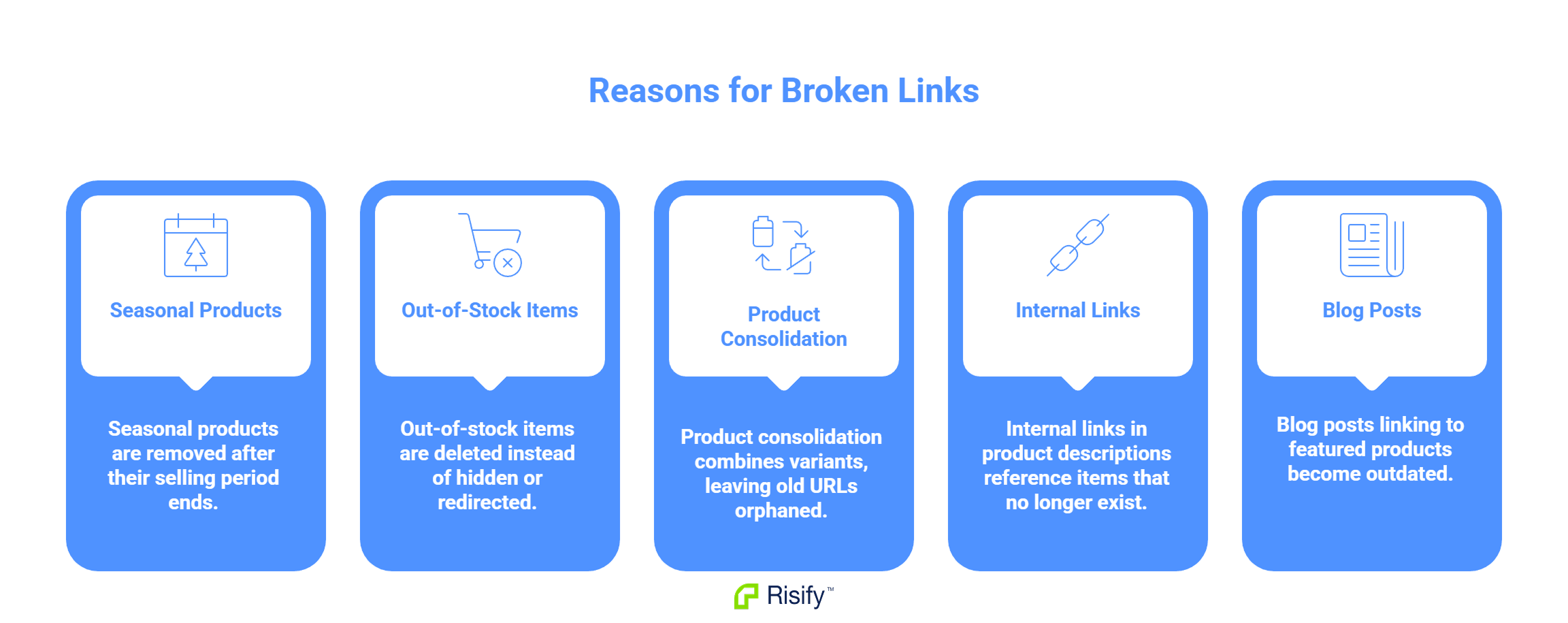
Broken links build up through normal store operations:
- Seasonal products get removed after their selling period ends.
- Out-of-stock items get deleted instead of hidden or redirected.
- Product consolidation combines variants, leaving old URLs orphaned.
- Internal links in product descriptions reference items that no longer exist.
- Blog posts linking to featured products become outdated.
Each broken link is a dead end. Visitors who click them see an error page. Search engine crawlers record the broken URL and may lower their assessment of your site quality, and AI tools that follow the link find nothing to read.
The Compounding Problem
The longer your store operates, the more products cycle through. A store that has been running for three years has likely deleted hundreds of products. Unless someone actively checks for and fixes broken links, they accumulate silently.
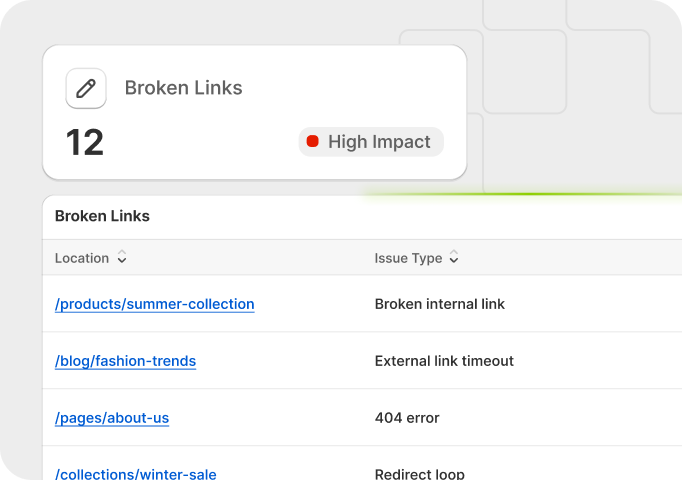
Most store owners do not notice until the number becomes significant, and by then, tracking down every broken link manually is impractical.
Missing or Default Meta Descriptions
Shopify auto-generates pages for products, collections and other content. Each page has fields for a meta title and meta description. If you do not fill these in, Shopify uses defaults: typically the product title for the meta title and the first lines of the product description for the meta description.
Why Gaps Are Common
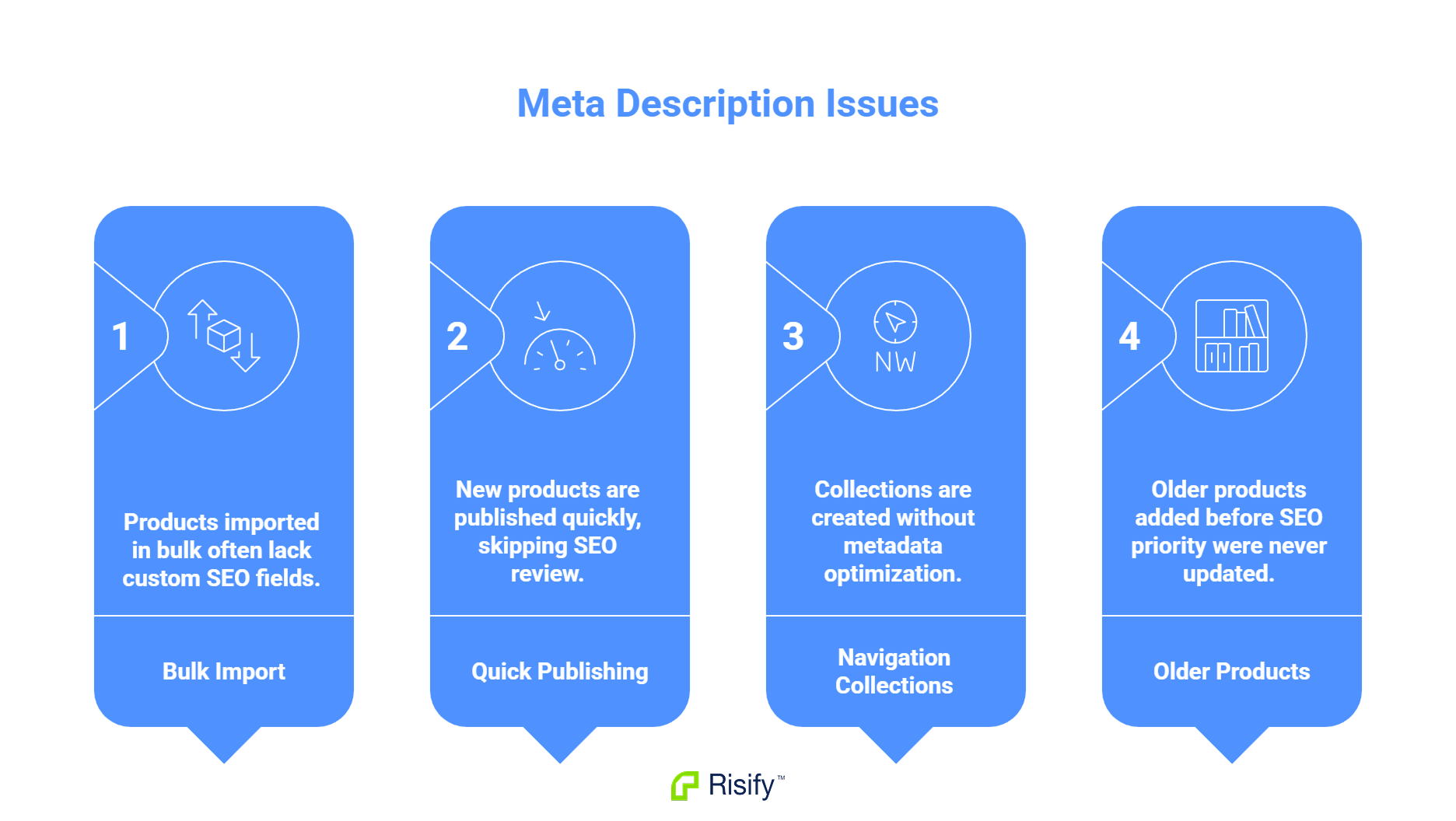
Several workflows lead to missing or weak metadata:
- Products imported in bulk from suppliers or other platforms rarely include custom SEO fields.
- New products get published quickly to meet inventory timelines, with SEO review skipped.
- Collections are created for navigation purposes without anyone optimizing their metadata.
- Older products added before SEO became a priority were never updated.
The result is inconsistency. Some pages have carefully written metadata. Others have whatever Shopify generated automatically.
What This Looks Like in Search Results
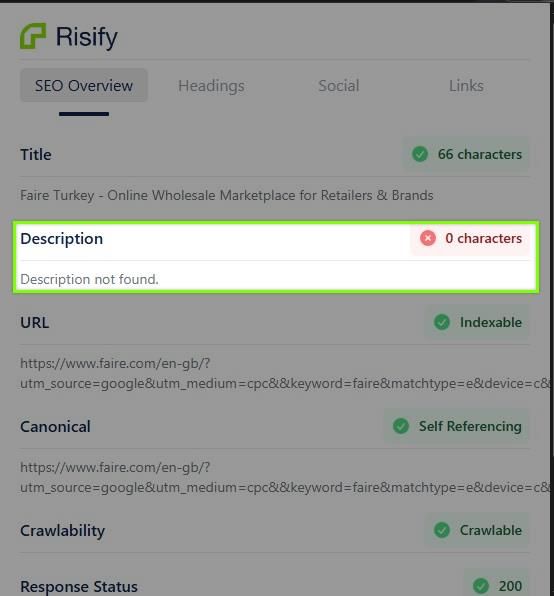
Pages with default metadata display generic information in search results. A product page might show just the product name as the title, with a description that starts mid-sentence because it was pulled from the product description.
This affects click-through rates. Searchers scanning results see a well-crafted description from one store and a fragment from another. The well-crafted one gets the click. AI tools read the same titles and descriptions when they summarize a page, so weak metadata gives them less to work with too.
Missing or Broken Structured Data
Structured data (schema markup, usually JSON-LD) is the machine-readable layer of your store. It tells search engines and AI tools what a page is: a product with a price and stock status, an organization with a name and logo, a set of questions and answers. Google uses it for rich results such as review stars and prices. AI tools lean on it to understand your products.
Why Gaps Are Common
Structured data problems rarely show up on the page itself, so they go unnoticed:
- Themes ship with basic product schema that misses shipping, returns or review data.
- Review apps and themes both output rating markup, creating duplicates or conflicts.
- FAQs, breadcrumbs and organization details have no schema at all unless an app adds it.
- A theme update or a change to product data breaks fields that used to validate.
- Products with no category give AI tools less to classify them by.
What This Looks Like
Your pages still work for shoppers, but Google may stop showing review stars or prices in your results, and AI tools have less reliable information to draw on when they decide which stores to recommend. Since nothing visibly breaks, these errors can sit for months.
Page Speed Issues from Images and Apps
Shopify stores often load slower than they should because of two factors: unoptimized images and third-party apps. Both add to the amount of data a browser must download and process before the page becomes usable.
Image Problems
Product images are frequently uploaded at full resolution from cameras or supplier files. A single product page might load several multi-megabyte images when properly compressed versions would be a fraction of the size.
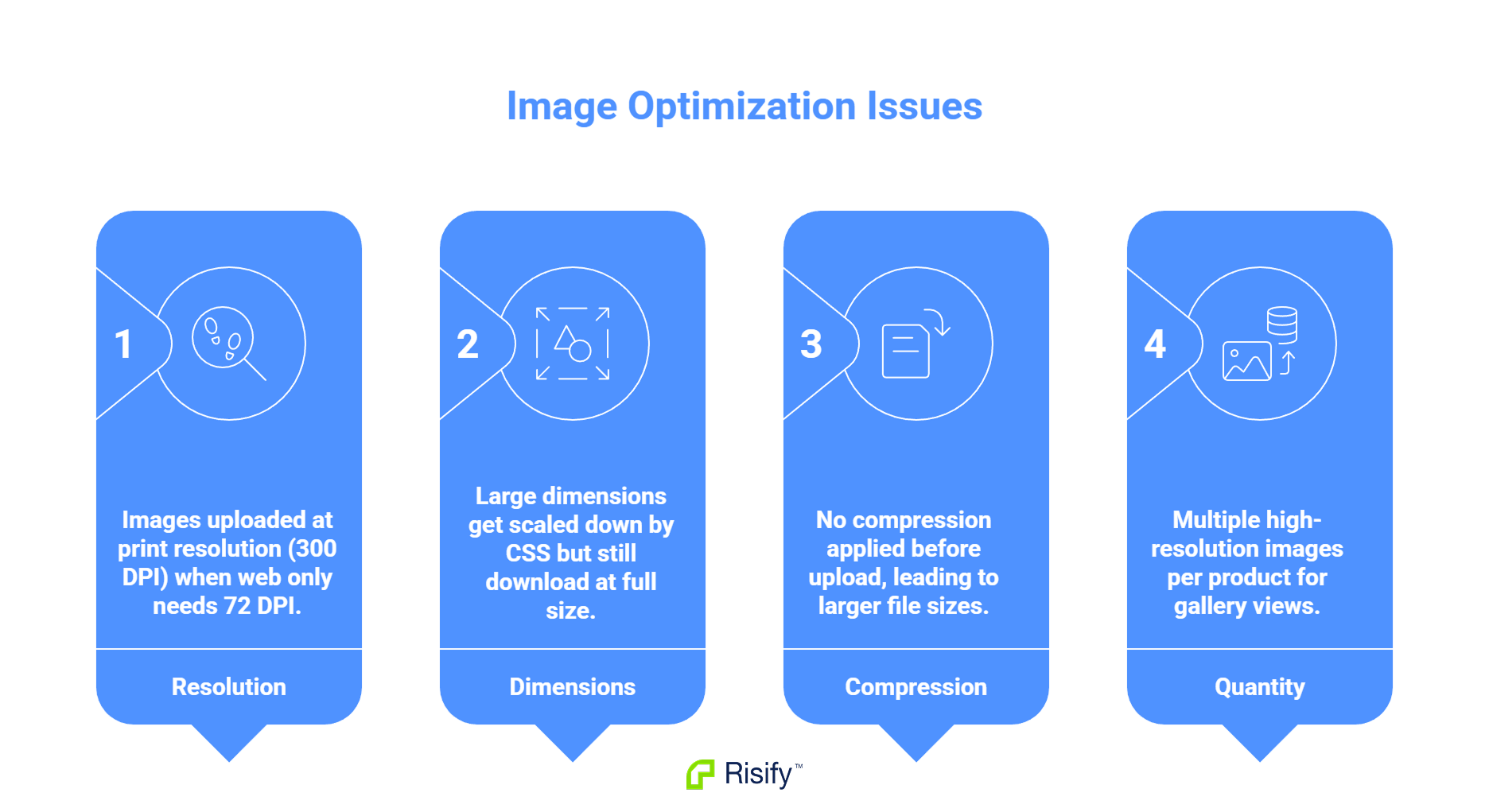
Common issues include:
- Images uploaded at print resolution (300 DPI) when web only needs 72 DPI
- Large dimensions that get scaled down by CSS but still download at full size
- No compression applied before upload
- Multiple high-resolution images per product for gallery views
Each oversized image adds to load time. On mobile connections, this delay is significant.
App Bloat
Third-party apps extend Shopify's functionality, but each app typically adds JavaScript that runs on every page load. A store with ten apps installed may be loading ten separate scripts before the page becomes interactive.
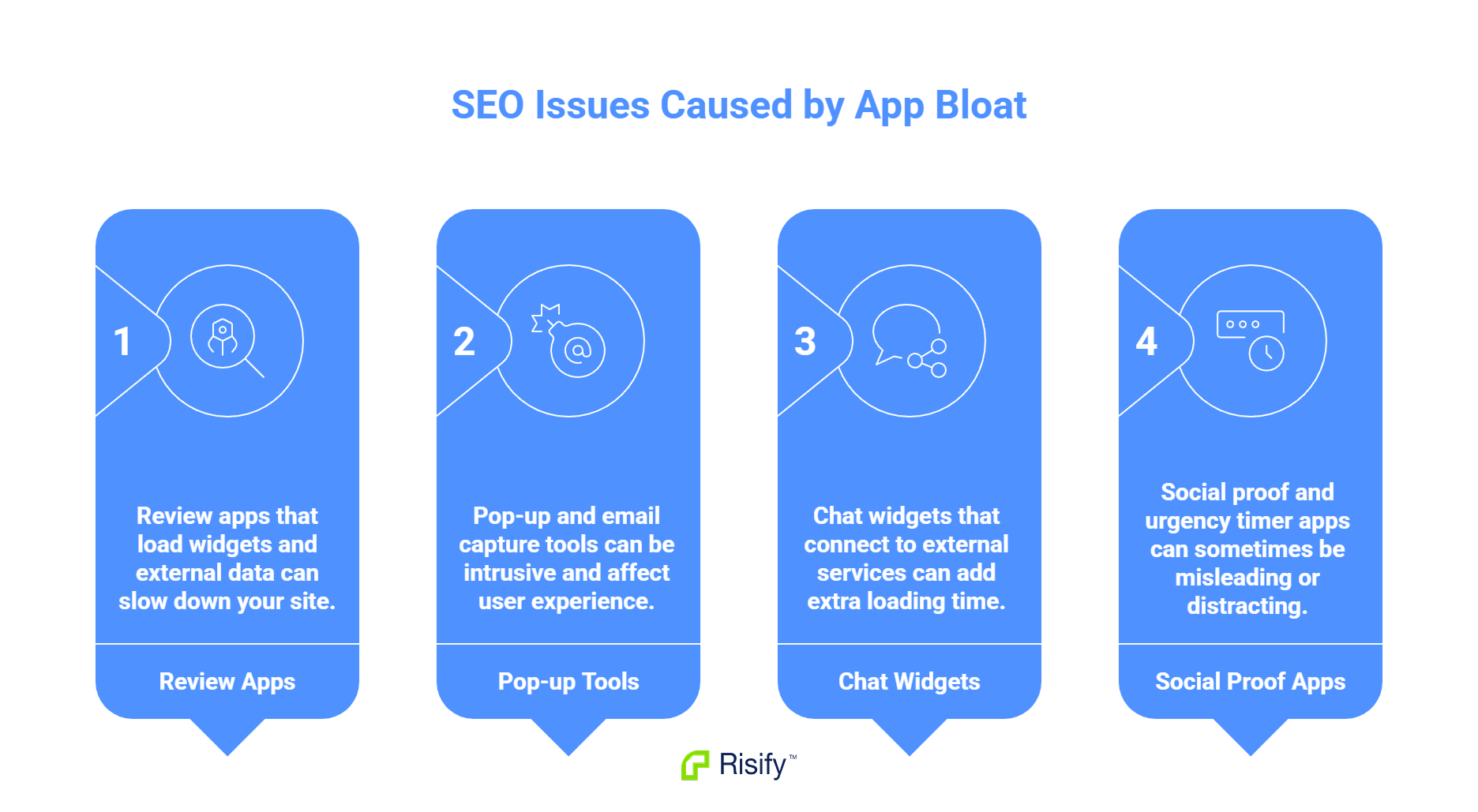
Common contributors:
- Review apps that load widgets and external data
- Pop-up and email capture tools
- Chat widgets that connect to external services
- Analytics and tracking scripts beyond the basics
- Social proof and urgency timer apps
Individually, each app adds a small delay. Collectively, they can add seconds to page load time.
Why This Matters
Page speed affects both user experience and search rankings. Google uses page speed as a ranking factor, particularly for mobile searches. Slow pages also have higher bounce rates - visitors leave before the page finishes loading.
A store that loads in two seconds will outperform an identical store that loads in six seconds, both in rankings and in conversion rate.
Find These Issues with Risify Store Audit
Shopify stores share these problems because they share the same workflows: products get deleted, pages get created quickly, apps get installed, themes get updated. Recognizing the patterns helps you audit your store with a clear sense of what to look for.
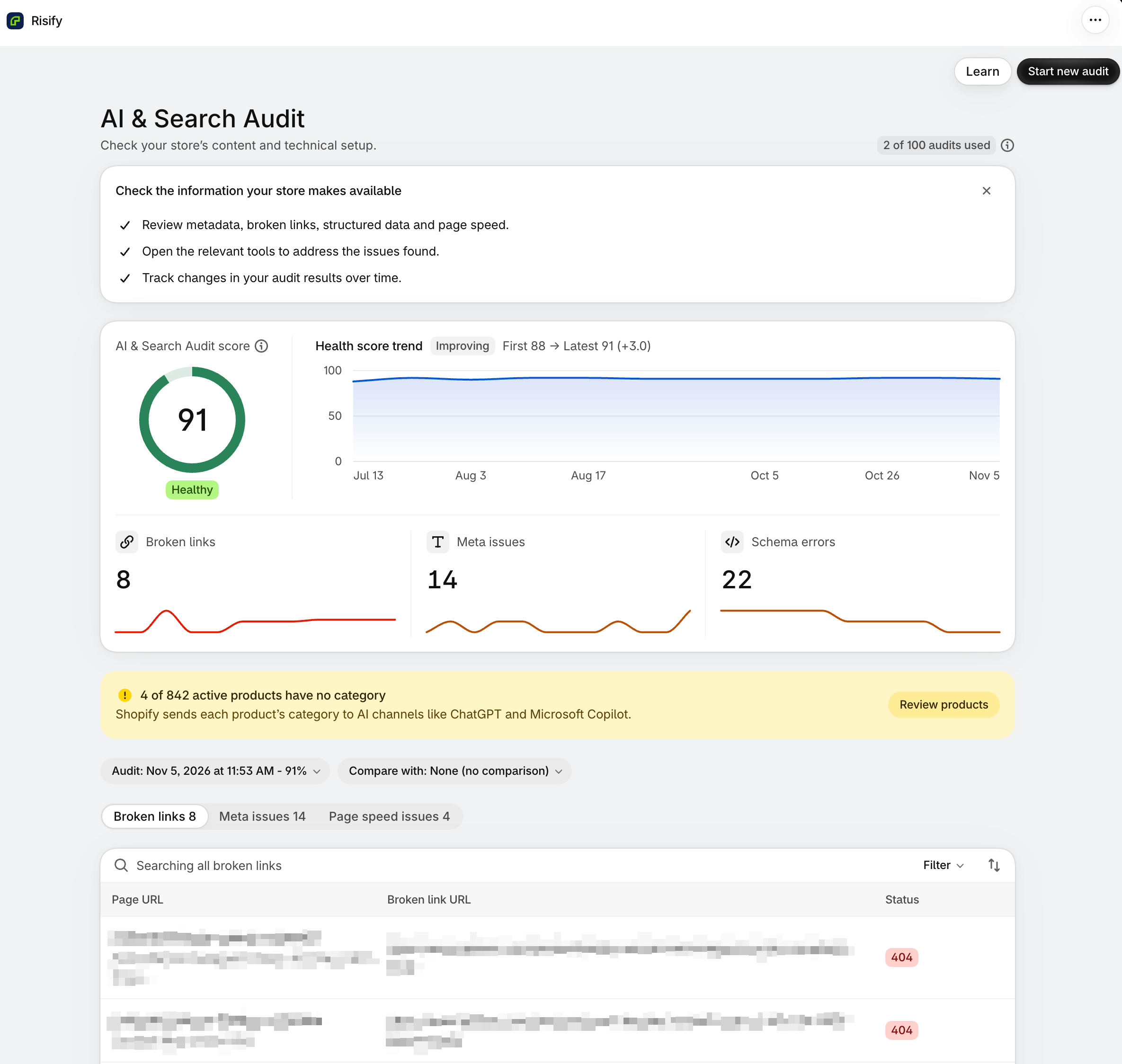
Risify's AI & Search Audit scans your store for broken links, meta issues, schema errors and page speed problems, shows you exactly where each one is, and links to the tool that fixes it. Every audit adds to a score and trend chart, so you can see whether the issues are shrinking over time.