Broken links send your visitors to dead pages. Instead of the product or collection they expected, they see a 404 error, and most of them leave. Research shows that up to 88% of users who hit a broken page will not try to find what they were looking for elsewhere on your site. They just close the tab.
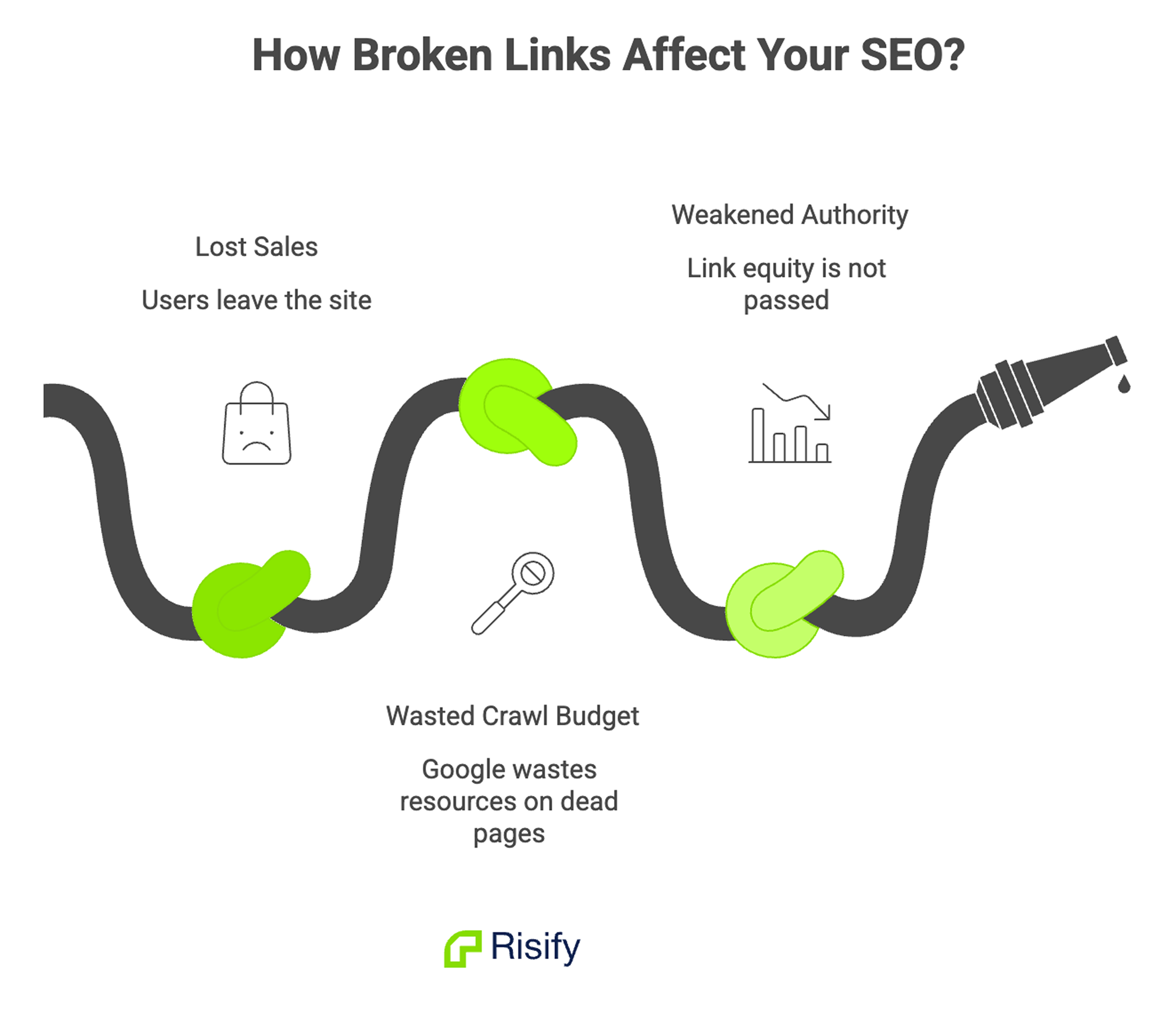
Beyond the lost sales, broken links also hurt your SEO. When Google’s crawlers encounter 404 errors, they waste crawl budget on pages that don’t exist. Internal links that point nowhere stop passing link equity to the pages that need it. Over time, this weakens your store’s authority and pushes you down in search results.
The good news: broken links are one of the easiest SEO problems to fix once you know where they are.
What Causes Broken Links on Shopify?
Before you fix anything, it helps to understand why links break in the first place. In most Shopify stores, broken links come from a handful of common sources:
- Deleted products or collections: When you remove a product from your store, Shopify deletes its URL. Any internal link, menu item, or external backlink pointing to that URL now returns a 404.
- Changed URLs: If you edit a product handle, collection handle, or page slug, the old URL stops working. Shopify does not create automatic redirects when you change handles.
- Typos in links: Manually typed URLs in descriptions, blog posts, or navigation menus can contain small errors that lead to dead pages.
- Removed third-party pages: Links to external resources, partner sites, or old marketing campaigns that no longer exist.
- Theme or app changes: Switching themes or uninstalling apps can remove pages or alter URL structures without warning.
How to Find Broken Links
You cannot fix what you cannot see. Start by identifying all the broken links on your store using one or more of these methods.
1. Google Search Console
If your store is connected to Google Search Console (and it should be), check the Pages report under the Indexing section. Google flags URLs that return 404 errors. This report shows you exactly which pages Google tried to crawl and could not find.
The advantage here is that Google shows you what real crawlers and users are actually hitting, not just what exists in your site’s code.
2. Run a Site Crawl
Use a crawling tool like Screaming Frog, Ahrefs Site Audit, or Semrush Site Audit to scan your entire store. These tools follow every internal link on your site and report any that return a 4xx or 5xx error code.
A full crawl gives you the most complete picture because it catches broken links buried deep in blog posts, product descriptions, and footer menus that you might not check manually.
3. Use Risify’s Store Audit
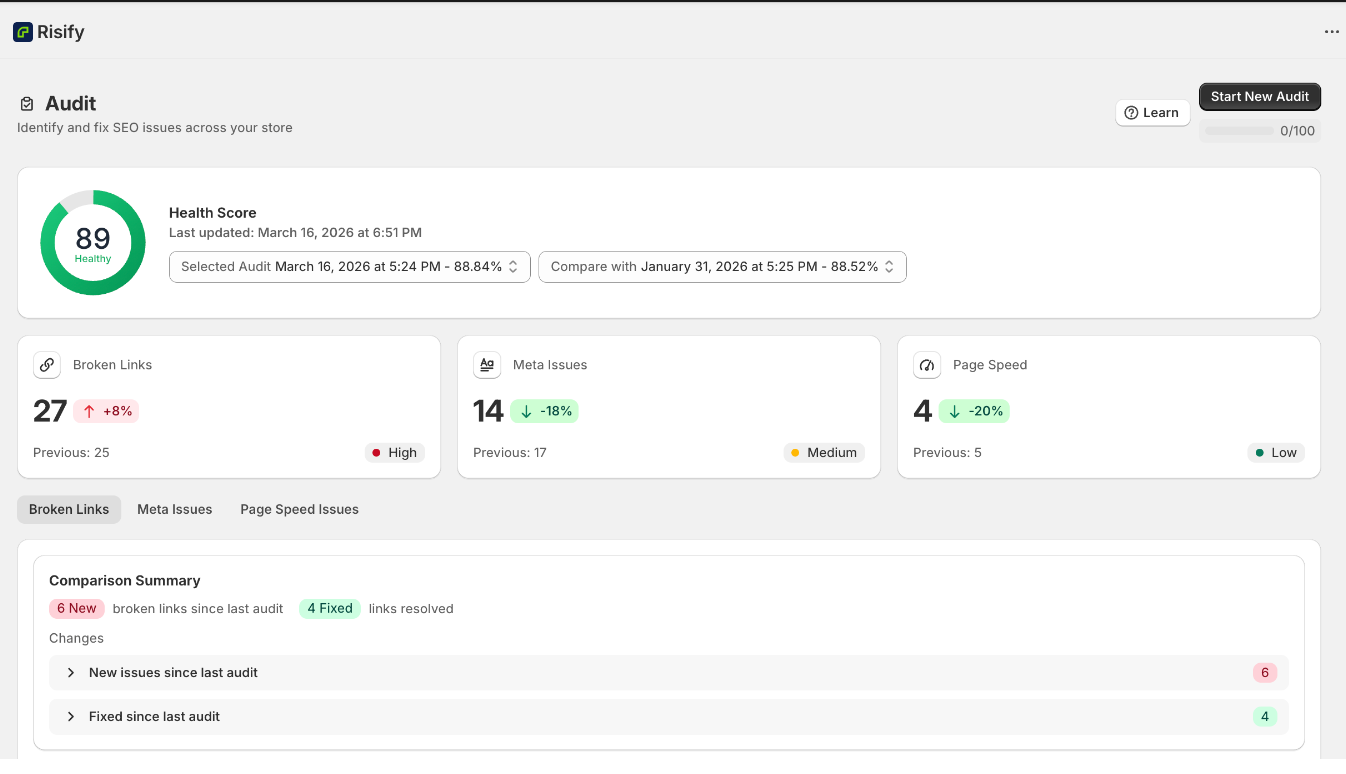
If you use Risify, the Store Audit feature scans your store for broken links automatically. It flags each broken link with a severity level (High, Medium, or Low) and provides a direct link to the affected page so you can take action immediately.
How to Fix Broken Links on Shopify
Once you have a list of broken links, work through them using the right fix for each situation.
1. Set Up 301 Redirects
A 301 redirect sends visitors (and search engines) from the old, broken URL to a working page. This is the most common fix and the one you should use whenever the original content has moved to a new URL or has a close equivalent.
To create a redirect in Shopify:
- In your Shopify admin, go to Online Store > Navigation.
- Scroll down to the URL Redirects section and click View URL Redirects.
- Click Create URL Redirect.
- Enter the old (broken) URL in the Redirect From field.
- Enter the new (working) URL in the Redirect To field.
- Click Save.
Use 301 redirects, not 302, because 301 tells Google the move is permanent and transfers the old page’s SEO value to the new one.
2. Fix the Link at the Source
If the broken link is an internal link you control (a product description, a blog post, a navigation menu), update it directly to point to the correct URL. This is cleaner than relying on a redirect because it removes the extra hop entirely.
Check these common locations for internal links that might need updating:
- Navigation menus (header, footer, sidebar)
- Product and collection descriptions
- Blog post content
- Homepage banners and promotional sections
- Email templates and automated flows
3. Bulk Import Redirects for Large Cleanup Jobs
If you have dozens or hundreds of broken links to fix, creating redirects one by one is slow. Shopify supports bulk redirect imports via CSV file.
Create a CSV with two columns: Redirect from and Redirect to. Fill in the old and new URLs, then import the file from the URL Redirects page. This handles high-volume cleanup efficiently.
4. Customize Your 404 Page
Even after fixing known broken links, new ones can appear over time from external sources you do not control. A custom 404 page catches these visitors and gives them a path back into your store instead of a dead end.
In your Shopify theme editor, go to Other Pages > 404 Page. Add links to your bestsellers, popular collections, or a search bar so visitors who land on a broken link can still find what they need.
How to Prevent Broken Links Going Forward
Fixing broken links once is not enough. They accumulate over time as you update products, change URLs, and manage your catalog. Build these habits into your workflow:
- Always create a redirect when you delete or rename a product. Do this at the moment of deletion, not weeks later when you notice the 404.
- Run regular audits. Monthly link checks catch problems before they affect your rankings or your customers.
- Check links before publishing blog posts. Every link in a new post should point to a live page.
- Monitor Google Search Console. Set up email alerts for crawl errors so you know about new 404s quickly.
How Risify Helps You Stay on Top of Broken Links
Risify’s Store Audit scans your Shopify store for broken links and reports each one with its severity and location. You can see exactly which links are broken and which pages are affected, then prioritize your fixes based on impact.
While Risify does not create redirects automatically, it gives you the visibility you need to catch broken links early and fix them before they cost you traffic or rankings. Run audits regularly inside Risify to keep your store clean and your SEO foundation solid.