Shopify handles some SEO fundamentals well - it generates sitemaps, manages canonical tags, and provides meta tag fields for products and collections. But it also has known gaps that affect how search engines understand your store.
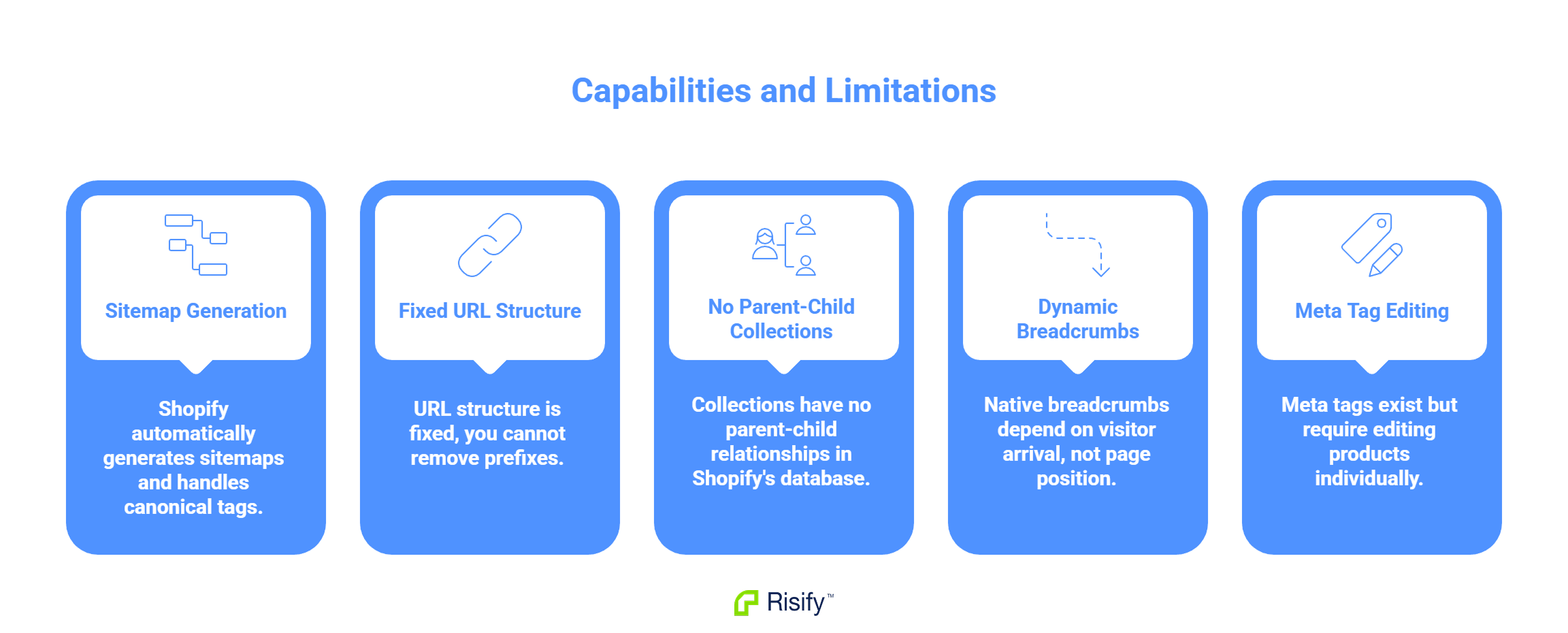
- Shopify automatically generates sitemaps and handles canonical tags.
- URL structure is fixed - you cannot remove /collections/ or /products/ prefixes.
- Collections have no parent-child relationships in Shopify's database.
- Native breadcrumbs depend on how visitors arrive at a page, not the page's actual position.
- Meta tags exist but require editing products one by one in the admin.
What Shopify Handles Well
Shopify provides several SEO fundamentals out of the box. You do not need to configure these manually.
Sitemap Generation
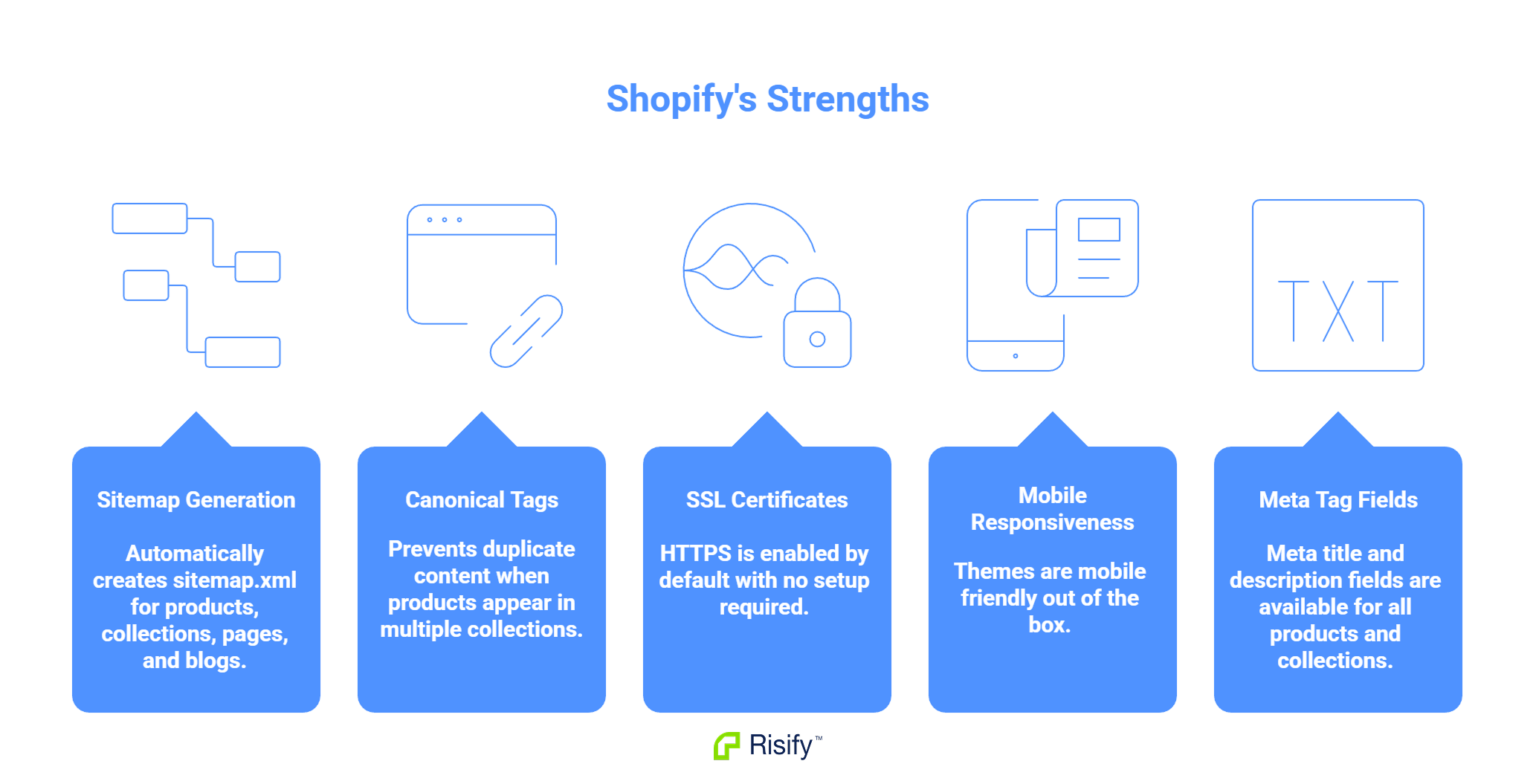
Shopify automatically creates and updates sitemap.xml files. The sitemap includes your products, collections, pages, and blog posts. When you add or remove content, the sitemap updates without intervention.
Canonical Tags
When the same product appears in multiple collections, Shopify adds canonical tags to prevent duplicate content issues. The canonical tag tells search engines which URL is the primary version, avoiding penalties for duplicate pages.
SSL Certificates
All Shopify stores include HTTPS by default. Secure connections are a ranking factor, and Shopify handles this without additional setup or cost.
Mobile Responsiveness
Shopify themes are built to be mobile-friendly. Since mobile usability affects search rankings, this baseline support matters.
Meta Tag Fields
Every product and collection has fields for meta title and meta description. The fields exist - the limitation is that editing them requires opening each item individually in the Shopify admin.
These fundamentals mean Shopify provides a reasonable SEO baseline. Many other platforms require manual configuration to achieve the same starting point.
URL Structure Limitations
Shopify enforces specific URL prefixes that you cannot change or remove.
Fixed Prefixes
Every URL type has a required prefix:
- Products: yourstore.com/products/product-handle
- Collections: yourstore.com/collections/collection-handle
- Pages: yourstore.com/pages/page-handle
- Blog posts: yourstore.com/blogs/blog-name/post-handle
You cannot create URLs like /furniture/sofas/corner-sofa or remove the /products/ prefix entirely. This is a platform constraint with no workaround.
What This Means
If you want URLs that reflect your category structure or shorter paths without prefixes, Shopify does not support this. You work within the fixed format regardless of preference.
Hierarchy and Breadcrumb Limitations
Shopify's collection structure is flat, and this affects how breadcrumbs work.
Flat Collection Structure
Shopify stores all collections at the same level in its database. There is no native field to define that one collection is a parent of another.
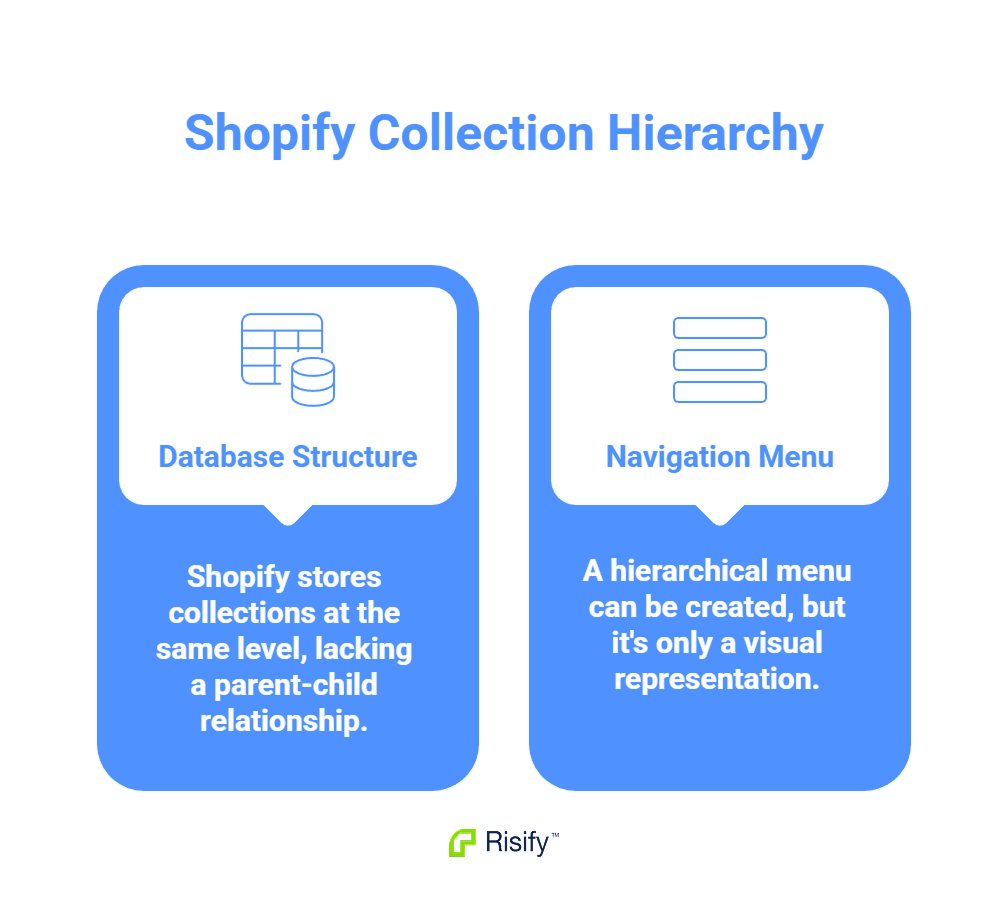
You can create a navigation menu that looks hierarchical - showing "Furniture" with "Sofas" nested underneath. But in Shopify's data, both are independent collections with no defined relationship. The visual nesting exists only in your menu configuration.
This matters because search engines look at your site's underlying structure, not just the navigation menu. Google sees separate, unconnected collection pages rather than a defined hierarchy.
Breadcrumb Behavior
Shopify's native breadcrumb display depends on how visitors arrive at a product page.
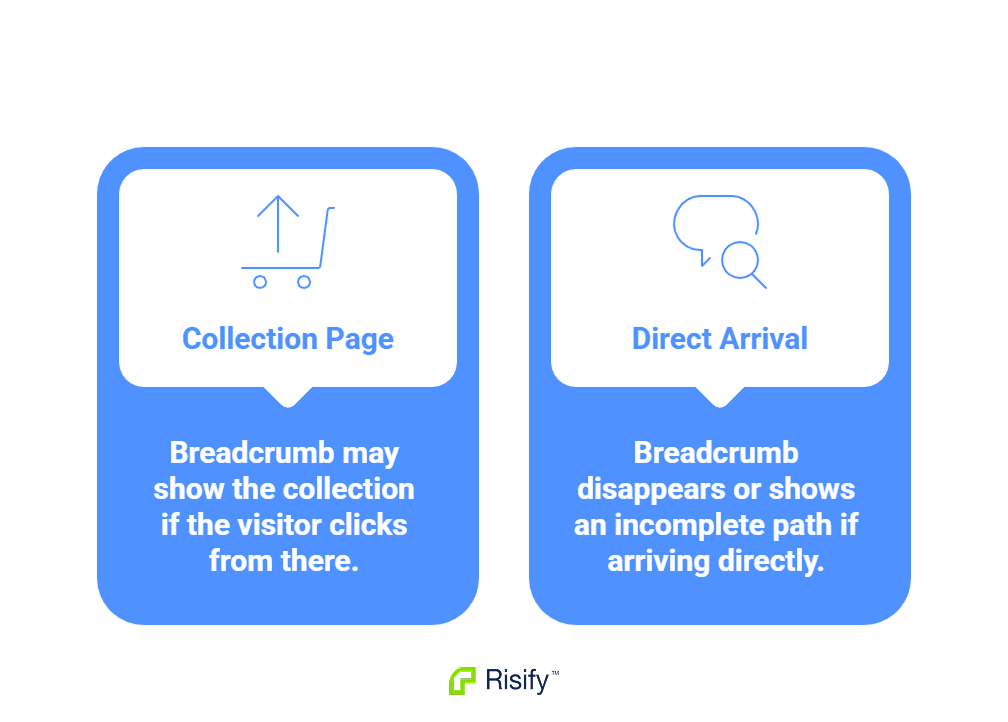
If a visitor clicks through from a collection page, the breadcrumb may show that collection. If they arrive directly - from a search result, a saved link, or typing the URL - the breadcrumb often disappears or shows an incomplete path.
This happens because Shopify reads the referrer URL to determine what to display. A product page accessed directly has no collection context to reference, so the breadcrumb has nothing to show.
The result is inconsistent navigation for visitors and unreliable breadcrumb data for search engines. Google cannot depend on breadcrumb schema that changes based on how users arrive.
Why This Matters
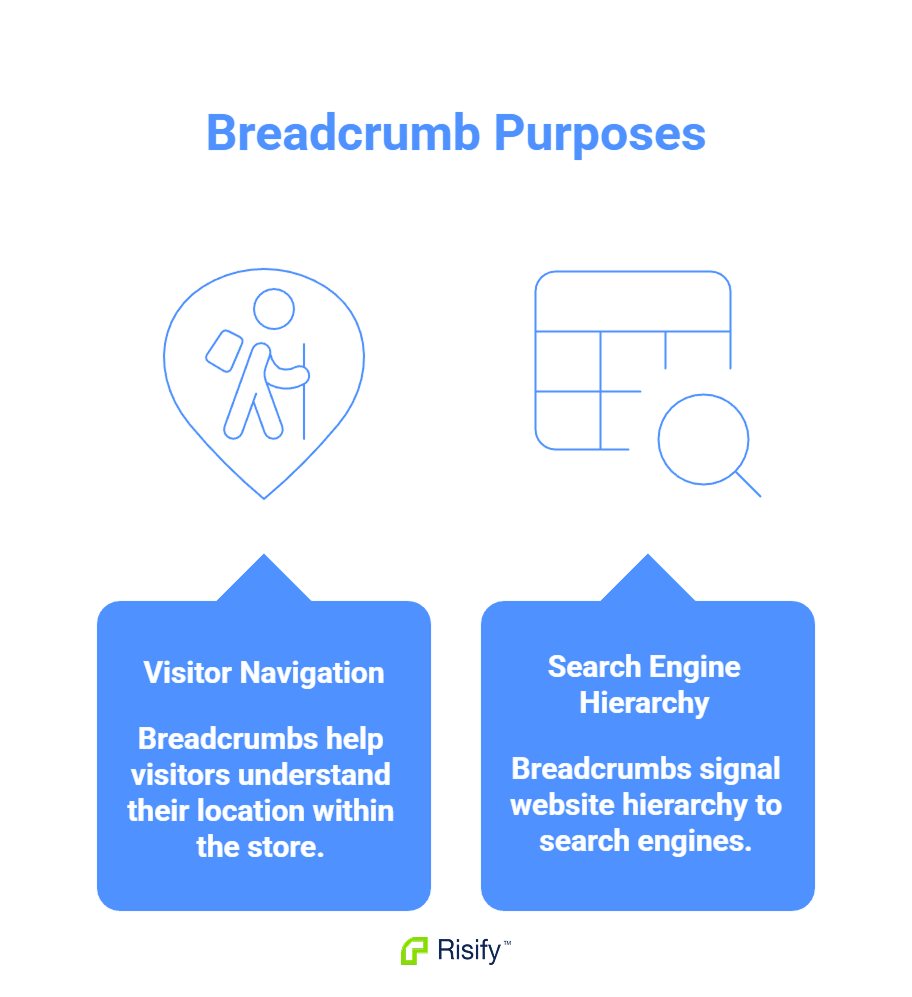
Breadcrumbs serve two purposes: helping visitors understand where they are in your store, and signaling hierarchy to search engines. When breadcrumbs behave inconsistently, both purposes are undermined.
Search engines use breadcrumb schema to understand page relationships. If your breadcrumbs only appear sometimes, or show different paths depending on the referrer, Google cannot build a reliable picture of your site structure.
Work Within Shopify's Constraints

Shopify provides SEO fundamentals but has structural limitations. URL prefixes are fixed and cannot be changed. Collections are flat with no native hierarchy. Breadcrumbs depend on referrer data rather than defined paths.
Some of these are platform constraints you accept when using Shopify. Others - like breadcrumb behavior and hierarchy signals - can be addressed with apps that add the missing structure.
Risify works within Shopify's native architecture to address the fixable gaps. When you define breadcrumb paths in Risify, the app generates consistent breadcrumbs and proper schema regardless of how visitors arrive. Collection relationships you configure become structured data signals that search engines can read.