Tracking generic keywords like "shoes" or "furniture" fills your dashboard with data that does not help you. Keywords worth tracking are specific terms where ranking would actually drive revenue - product types, brand queries, or use-case searches with buying intent.
Risify's Keyword Rankings is only useful if you choose the right terms to monitor. The same thinking applies to the prompts you track in AI Visibility: specific, intent-driven questions tell you something, generic ones do not.
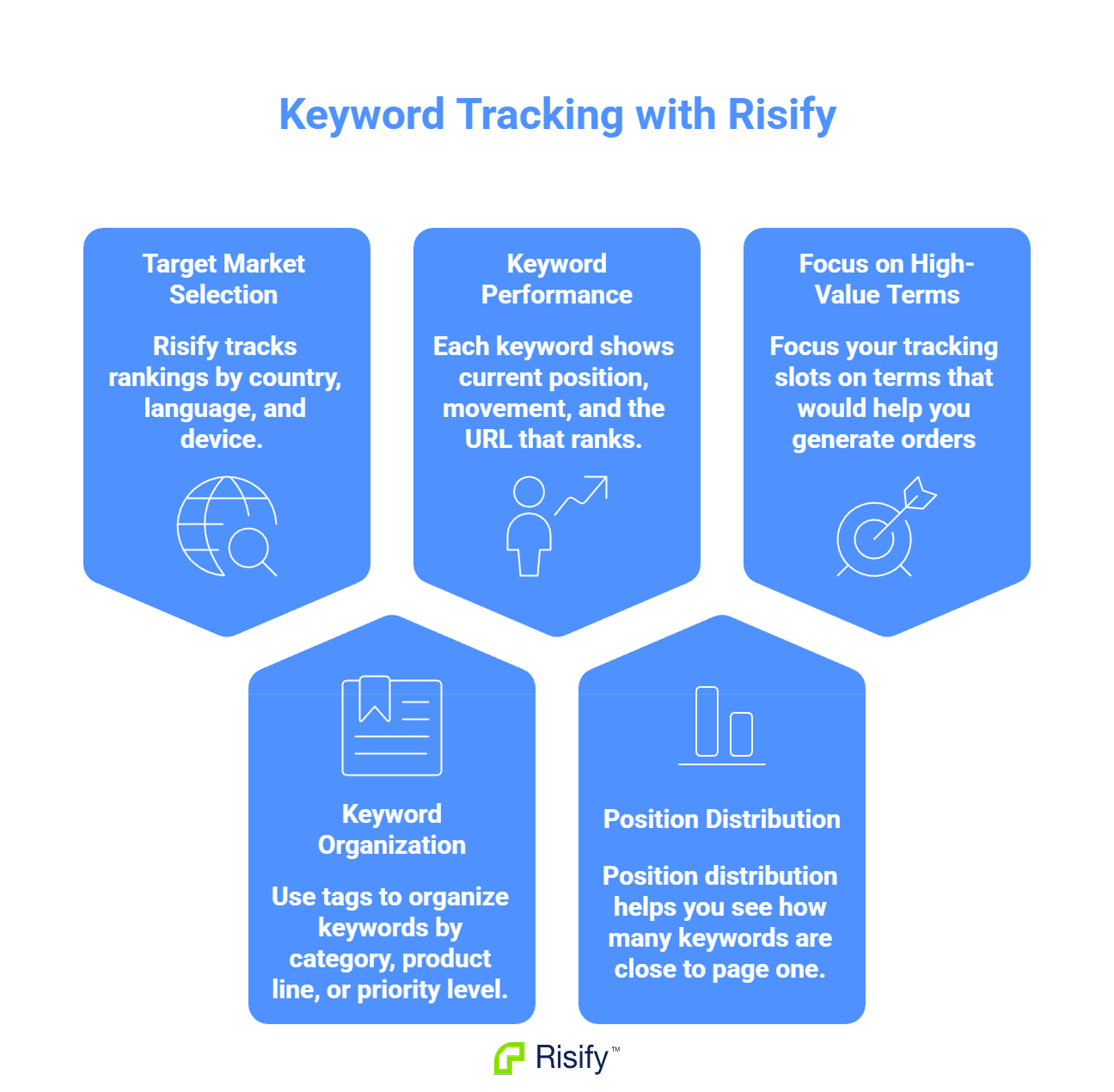
- Risify tracks rankings by country, language and device; set these in Project settings to match your target market.
- Set a target page for each keyword so Risify can tell you when the wrong page ranks.
- Use tags to organize keywords by category, product line or priority.
- Each keyword shows its position, movement, search volume and the page that ranks, and has its own page with position history and SERP features.
- Position distribution shows how many keywords sit just off page one (positions 11 to 20), your best opportunities.
- Focus your tracking slots on terms that would generate orders if you ranked.
Why Generic Keywords Do Not Help You
Tracking "shoes" when you sell specialized running shoes tells you nothing useful. Even if you somehow ranked on page one for that term, the traffic would not convert. Someone searching "shoes" could want dress shoes, sandals, kids shoes, or information about shoe materials. They are not ready to buy - they are browsing.
The Intent Problem
Generic keywords have unclear intent. A search for "furniture" could be someone:
- Looking for local furniture stores
- Researching furniture styles
- Searching for furniture assembly instructions
- Wanting to buy a specific piece
You cannot tell which. And if your store sells mid-century modern dining tables, most of that traffic has no interest in what you offer.
Traffic Without Conversion
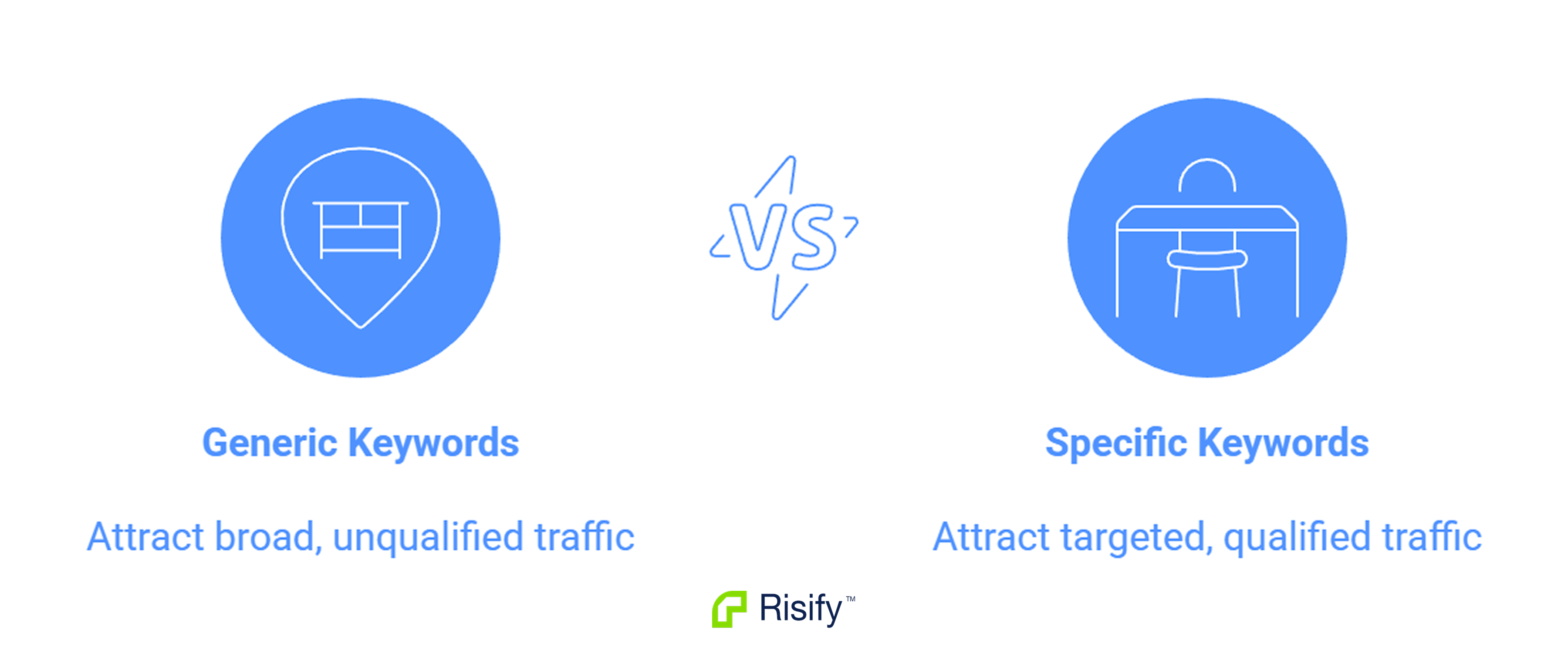
The goal of SEO is revenue. Ranking for a term that brings visitors who do not buy accomplishes nothing. Generic terms attract broad audiences with mixed intentions. Specific terms attract people who are actively looking for what you sell.
Tracking slots are limited. Filling them with generic terms means you have no visibility into keywords that would actually generate orders.
Keywords That Signal Buying Intent
Keywords with commercial intent indicate someone is close to a purchase decision. These are the terms where ranking improvements translate to revenue.
Specific Product Types
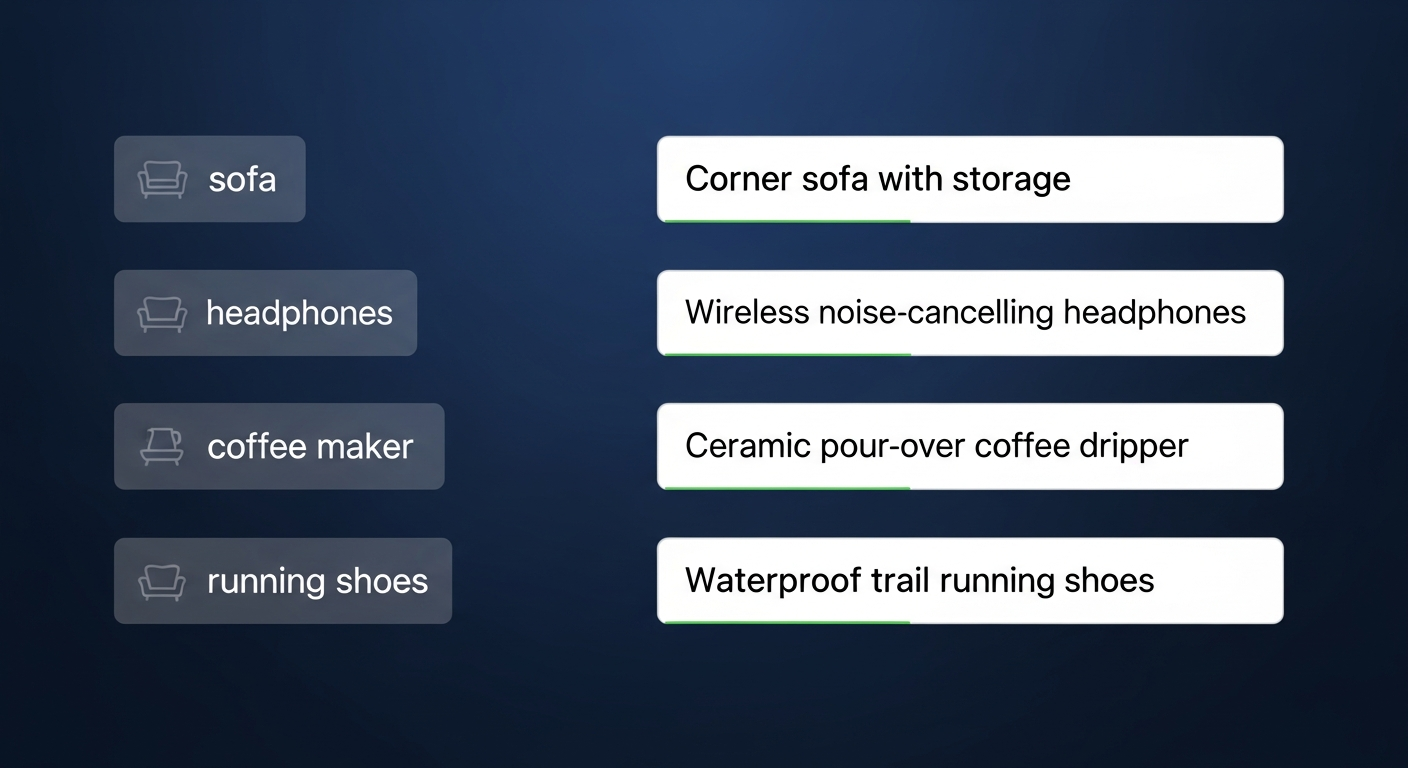
"Corner sofa with storage" rather than "sofa." The specificity signals the searcher knows what they want. They have moved past browsing and are looking for something particular.
Other examples:
- "Wireless noise-cancelling headphones" instead of "headphones"
- "Ceramic pour-over coffee dripper" instead of "coffee maker"
- "Waterproof trail running shoes" instead of "running shoes"
The more specific the search, the closer the searcher is to buying.
Brand and Product Combinations
If you carry specific brands, queries that combine brand names with product types often have high conversion rates. Someone searching "Patagonia fleece jacket" knows the brand they want. Someone searching "Herman Miller office chair" is not comparison shopping at the category level - they have already decided.
Track brand + product combinations for the brands you carry.
Use-Case Queries
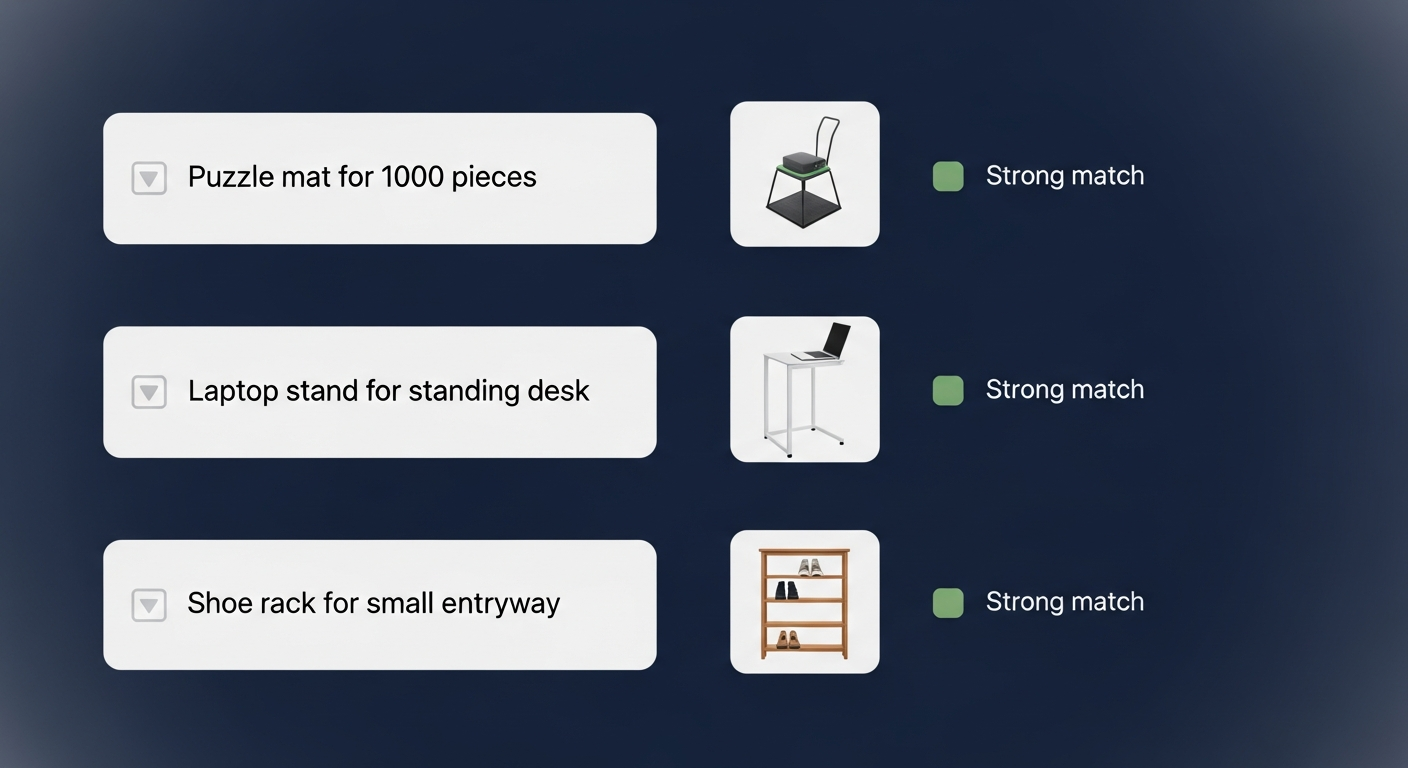
These describe a problem the searcher wants to solve:
- "Puzzle mat for 1000 pieces"
- "Laptop stand for standing desk"
- "Shoe rack for small entryway"
Use-case queries signal intent because the searcher has a specific need. If your product solves that problem, they are likely to buy.
Comparison and "Best" Queries
Searches like "best standing desk under 500" or "best running shoes for flat feet" indicate active research with intent to buy. These searchers are evaluating options and will likely purchase soon.
These keywords may have lower search volume than generic terms, but traffic from them converts at higher rates.
Matching Keywords to Your Catalog
Knowing which types of keywords signal intent is step one. Step two is identifying which of those keywords match pages you actually have.
Review Your Collections
Look at your collection pages. Each collection targets a specific category or product type. What would someone search to find that collection?
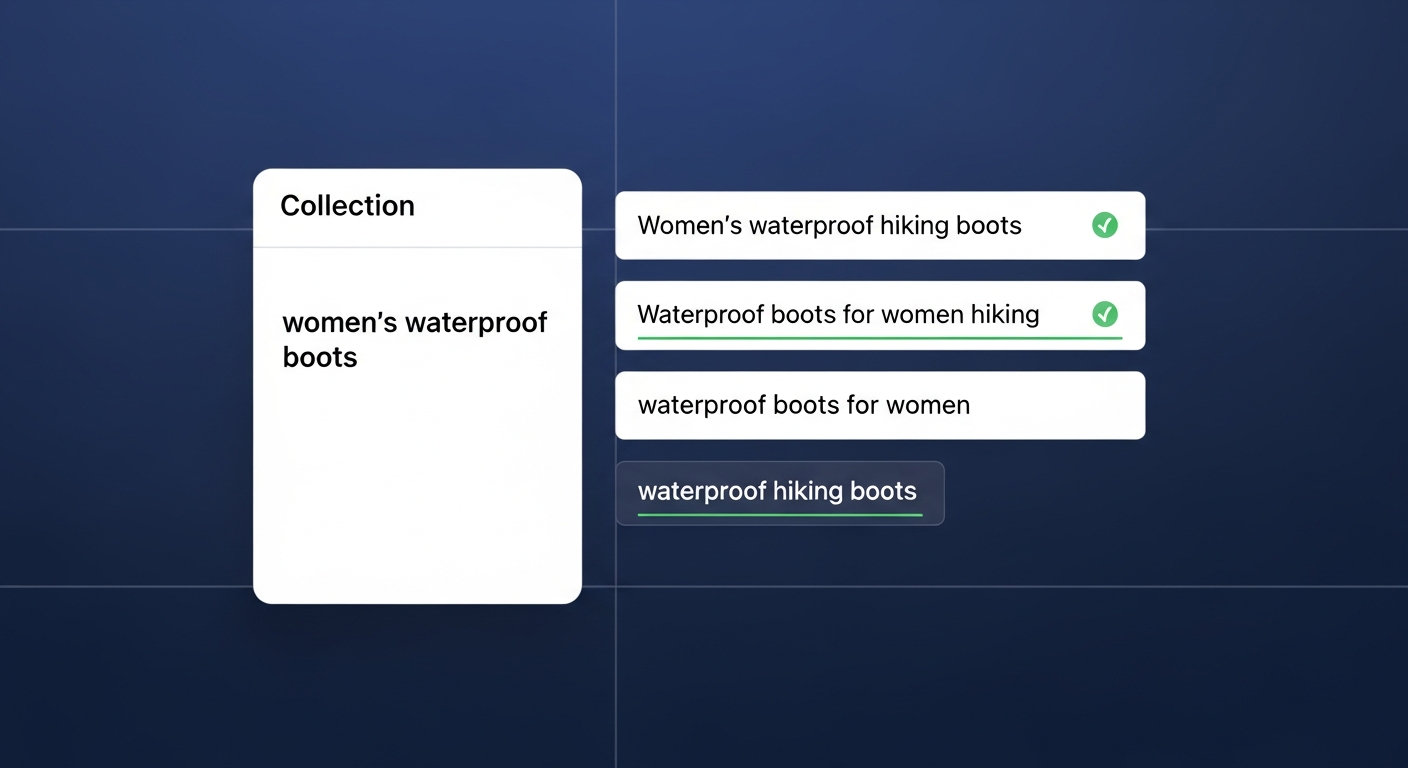
If you have a collection for "women's waterproof hiking boots," relevant keywords might include:
- Women's waterproof hiking boots
- Waterproof boots for women hiking
- Women's hiking boots for rain
If you only sell women's styles, tracking the generic "waterproof hiking boots" makes less sense - your page is more specific than that query.
Review Your Products
For high-value products or bestsellers, consider what someone would search to find that exact item. This might include:
- The product name or model number
- The brand plus product type
- The specific features that differentiate it
These product-level keywords often have lower volume but very high conversion when someone finds exactly what they searched for.
Set a Target Page
Once you know which page a keyword is for, set it as the keyword's target page in Keyword Rankings. Risify then flags "Not ranking" when that page is not in the top 100 and "Other target" when a different page of yours ranks instead. That second case is common with generic keywords: Google picks a product page when you wanted the collection to rank, which is a sign the collection page needs stronger content or metadata.
Use Tags to Organize
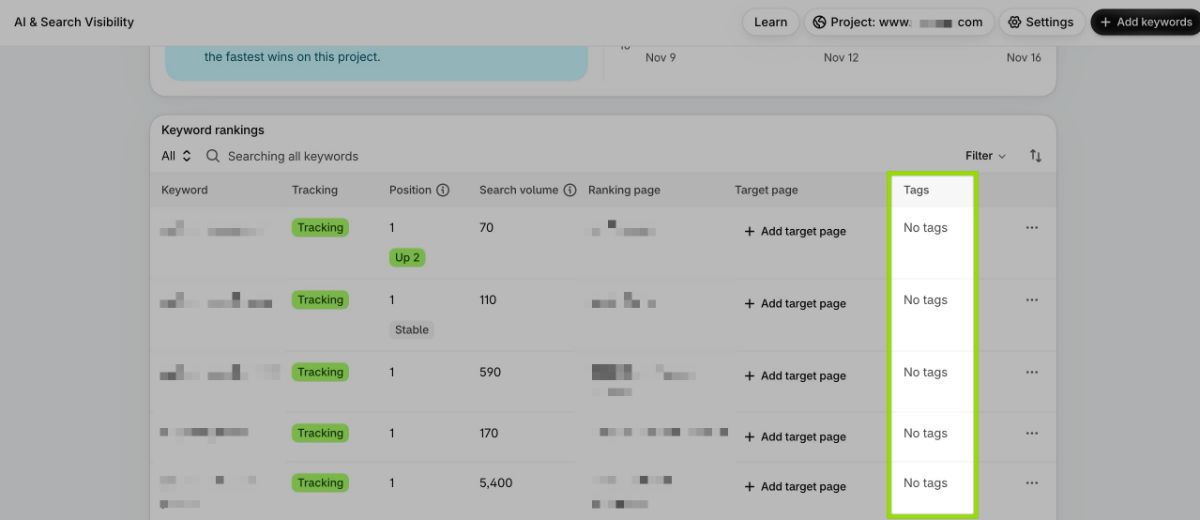
Risify lets you tag keywords when you add them. Use tags to group keywords by:
- Page type (collection keywords, product keywords, blog keywords)
- Product category (furniture, lighting, accessories)
- Priority level (high priority, monitoring, experimental)
Tags make it easier to review performance by segment rather than scrolling through an undifferentiated list.
The Same Keywords, Asked as Questions
High-intent keywords double as the questions shoppers ask AI tools. "Corner sofa with storage" becomes "Where can I buy a corner sofa with storage online?" and "best running shoes for flat feet" is already a question. Add the strongest ones as prompts in AI Visibility, so you can see whether ChatGPT, Claude and Google AI Mode recommend your store for the same intent you are tracking in Google.
Track Keywords That Drive Revenue with Risify
Risify Keyword Rankings shows you where your store ranks and which page is doing the ranking, but the value depends on what you choose to track. Focus on specific, intent-driven keywords that match your catalog and would drive revenue if you ranked for them, set a target page for each, and track the same intent as prompts in AI Visibility.